
Juggling one tool for email, another for leads and a third for support is exhausting. Your data ends up scattered, and your team ends up guessing.
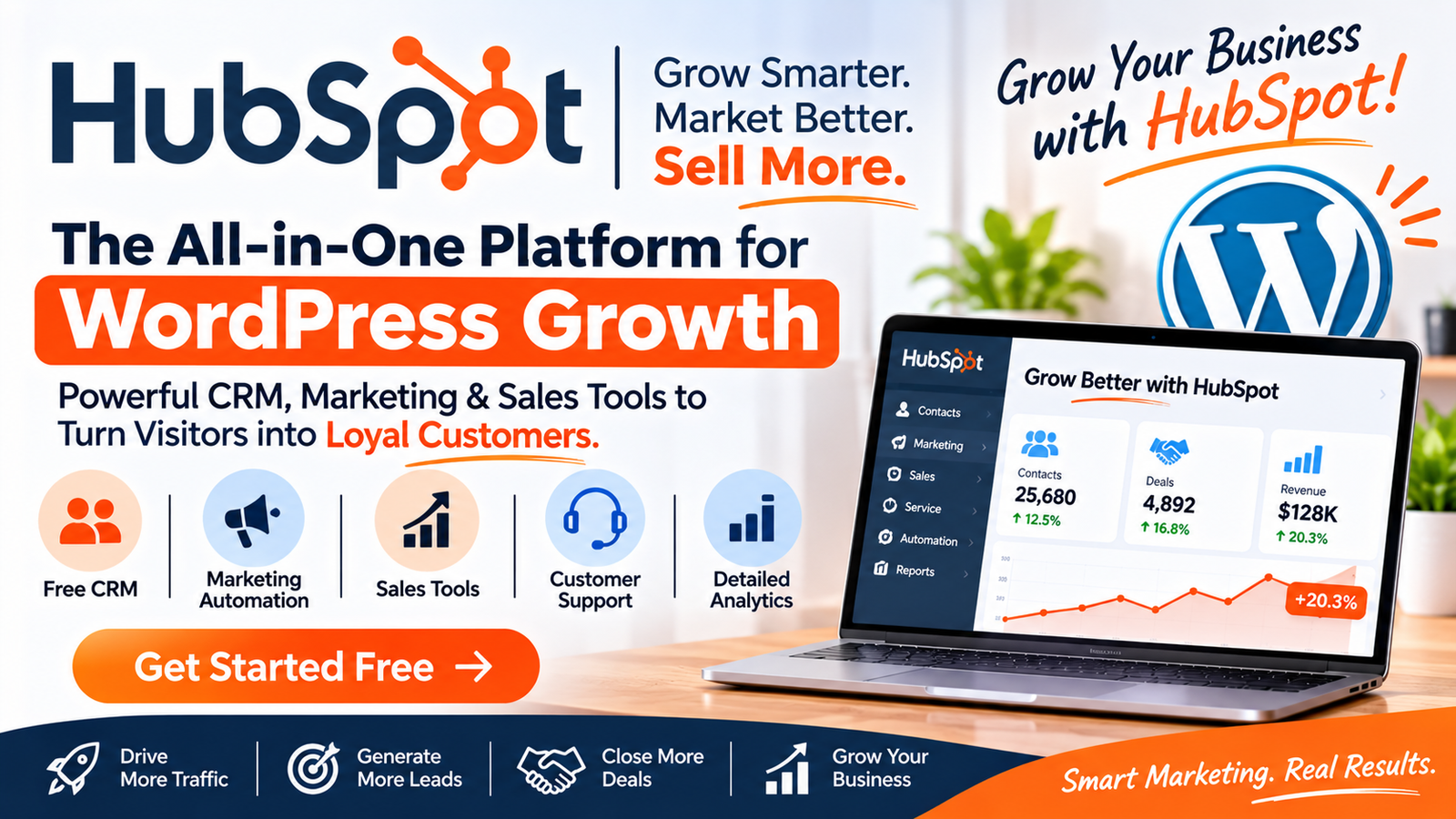
That’s the problem HubSpot CRM aims to solve. It puts marketing, sales and customer service on one connected platform, and you can start with free tools.
But is it the right fit for your business? This review covers what HubSpot offers, who it suits, the pros and cons, how to choose a plan, and how it stacks up against alternatives.
What Is HubSpot? A Quick Overview
HubSpot describes its platform as one that brings your teams, tools, AI and customer data together so every customer interaction drives growth. Its homepage states it’s trusted by more than 306,000 customers worldwide.
The company positions itself as an “agentic customer platform.” In plain English, that means one system where marketing, sales and service share the same customer data, with AI agents helping out.
Here are the main parts of the platform:
- Smart CRM: the central database for your contacts and companies
- Marketing Hub: attract and convert leads, run campaigns and track results
- Sales Hub: prospecting, pipeline management and closing deals
- Service Hub: support, help desk and customer retention tools
- Content Hub: create, manage and publish content
- Data Hub: combine, clean and activate customer data
- Revenue Hub: quotes, payments, billing and subscriptions
- Agent Hub: build and manage AI agents across the platform
HubSpot also offers a Small Business Bundle, which packages the Starter edition of each product at one price.
Key Features and Benefits
A Free CRM to Start With
HubSpot invites new users to “get started free” with its free tools. That lowers the risk of trying it, since you can test the basics before paying for anything.
The free tools listed on the site include a landing page builder, form builder, chatbot builder, live chat, a meeting scheduler and a website builder with hosting.
Everything Shares One Set of Data
When marketing, sales and service work from the same records, your team sees the full customer story. A sales rep can see which emails a lead opened. A support agent can see past deals.
This is the main reason people choose an all-in-one platform over a patchwork of tools.
Built-In AI Agents
HubSpot highlights three AI agents on its homepage:
- Customer Agent: resolves inquiries, acts in your CRM and hands off to humans with full context
- Prospecting Agent: spots buying signals, sources contacts and launches personalized outreach
- Data Agent: helps you see which accounts are ready to buy and why
HubSpot says its agents can resolve over 65% of customer inquiries. That’s the company’s own claim, so treat results as a best case and test it with your own support volume.
2,000+ Integrations
HubSpot says it works with more than 2,000 apps, including Gmail, Shopify, Mailchimp, Zapier, Google Ads and Slack. That matters if you don’t want to rebuild your stack from scratch.
Learning Resources and Community
HubSpot Academy offers free courses and certifications. There’s also a community forum, user groups, a knowledge base and optional onboarding and premium support services.
[View HubSpot’s Free and Premium Plans ]
Who Is HubSpot Best For?
HubSpot works well if you:
- Run a small business or startup and want one platform for growth
- Have separate marketing, sales and support tools that don’t talk to each other
- Want a free CRM to start, with room to upgrade
- Need to scale from a few users to a larger team
- Want AI features without stitching tools together yourself
HubSpot also markets an Enterprise Customer Platform for larger organizations, so it isn’t only for small teams.
If you only need a simple contact list and nothing else, you may not need a full platform.
6 Reasons to Choose HubSpot
- Start free. You can try core tools before committing.
- One platform, one view. Marketing, sales and service share customer data.
- Room to grow. Move from Starter editions to premium and enterprise tiers.
- AI built in. Agents and an assistant help with prospecting, support and data.
- Large integration library. It connects to the apps you already use.
- Strong reputation. HubSpot says it holds the #1 position in 526 G2 reports. That’s a self-reported badge, so verify it on G2.
HubSpot Pros and Cons
Pros
- Free CRM and free tools to start
- Connected marketing, sales and service in one system
- AI agents and automation features
- 2,000+ integrations
- Free training, community and support options
Cons
- Costs can rise. Free tools are generous, but premium features and extra users can add up quickly.
- Many products to learn. The number of hubs can feel overwhelming at first.
- May be more than you need. Very small teams with simple needs might outgrow the features list but not the budget.
- Results vary. Case-study numbers on the website come from selected customers and won’t match every business.
Always compare plans carefully before upgrading, and check what’s included in each tier.
HubSpot Buying Guide: How to Choose the Right Plan
Step 1: Define Your Main Goal
Ask yourself what problem you’re solving first:
- More leads? Start with Marketing Hub.
- Better sales tracking? Start with Sales Hub.
- Faster support? Start with Service Hub.
- Everything at once? Consider the Small Business Bundle.
Step 2: Start With the Free CRM
Set up the free tools, import your contacts and test the workflow. This shows you whether your team will actually use it.
Step 3: Upgrade Only When You Hit a Limit
Move to a paid tier when you genuinely need automation, reporting or advanced features. Don’t pay for features you won’t use in the first three months.
Step 4: Count Your Users and Contacts
Pricing often depends on seats and contact volume. Estimate where your team will be in a year, not just today.
Step 5: Consider Onboarding and Support
If your team is new to CRM software, HubSpot’s onboarding services or a certified Solutions Partner can speed things up.
Step 6: Check the Current Pricing
Plans and prices change. Use HubSpot’s pricing page to see what’s included before you decide.
[Check Current HubSpot Pricing ]
HubSpot vs. Other CRM Platforms
These are general comparisons. Features and prices change, so verify details on each vendor’s site. HubSpot also publishes a software comparisons library, though keep in mind it’s written by HubSpot.
HubSpot vs. Salesforce: Salesforce is known for deep customization and enterprise scale. HubSpot is generally seen as easier to set up and use. Choose Salesforce if you need heavy customization, and HubSpot if you want faster setup and a gentler learning curve.
HubSpot vs. Zoho CRM: Zoho is often chosen for its budget-friendly pricing and wide app suite. HubSpot tends to appeal to teams that want a more unified marketing, sales and service experience.
HubSpot vs. Pipedrive: Pipedrive focuses on sales pipeline management. HubSpot covers more ground, including marketing and support. Pipedrive may suit sales-only teams.
HubSpot vs. Mailchimp: Mailchimp started as an email tool. HubSpot offers email plus a full CRM, sales tools and service tools.
Bottom line: If you want one connected platform and a free starting point, HubSpot is a strong contender. If you only need one narrow function, a specialist tool may cost less.
Is HubSpot Worth It?
For many growing businesses, yes. The biggest value is having marketing, sales and service data in one place. That saves time, reduces errors and helps teams work together.
The free CRM makes it low-risk to test. You can start small, learn the platform and expand when the results justify it.
The trade-off is cost at scale. Review your needs regularly and don’t add hubs you won’t use.
Frequently Asked Questions
Is HubSpot CRM really free?
HubSpot offers free tools and a free CRM to get started. Premium features require paid plans. Check the current free tier limits on HubSpot’s site.
What does HubSpot do?
It provides software for marketing, sales, customer service, content, data and payments, all built around a shared CRM.
Is HubSpot good for small businesses?
Yes. HubSpot offers a Small Business Bundle with the Starter edition of each product, designed for startups and small teams.
How much does HubSpot cost?
Pricing depends on the hub, plan tier, number of users and contacts. Visit HubSpot’s pricing page for current numbers.
Does HubSpot have AI features?
Yes. It offers a Customer Agent, Prospecting Agent, Data Agent and the Breeze assistant, plus an Agent Hub for managing them.
Does HubSpot integrate with other apps?
Yes. HubSpot says it connects with 2,000+ apps, including Gmail, Shopify, Mailchimp, Slack and Zapier.
Is HubSpot better than Salesforce?
It depends. HubSpot is often easier to adopt, while Salesforce offers deeper customization. Your team size, budget and needs decide the winner.
Can I try HubSpot before buying?
Yes. You can start with the free tools or request a demo of the premium software.
Final Verdict: Should You Try HubSpot?
HubSpot makes a strong case if you’re tired of disconnected tools. The free starting point, connected data, AI agents and large integration library make it a practical choice for growing teams.
Just be realistic. Start free, add only what you need, and review costs as you scale.
Ready to see if it fits? Open the free tools, look at the plans and test the workflow with your own contacts.
