

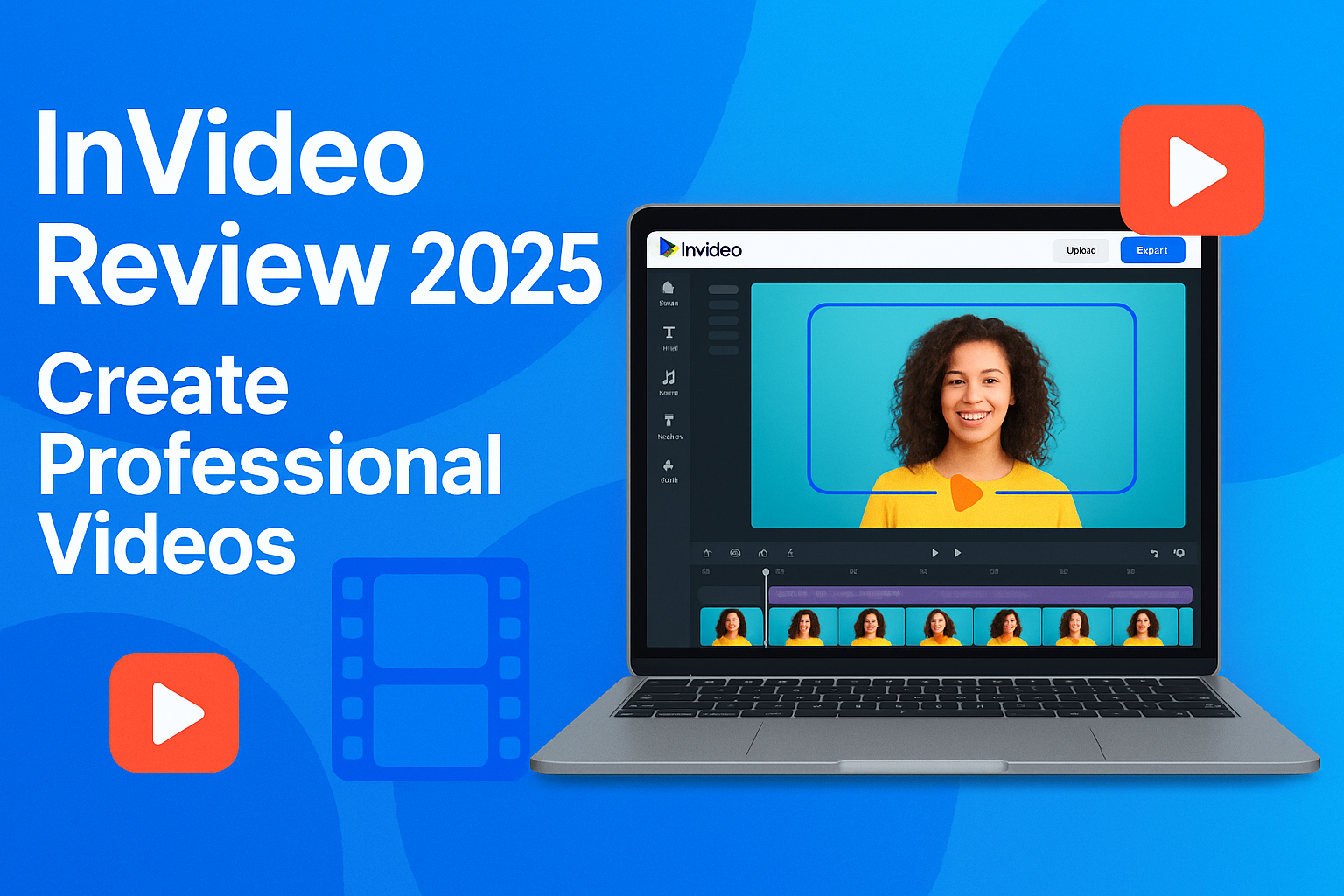
Videos have become an essential part of online marketing, social media, and content creation. Whether you are a small business owner, blogger, or digital marketer, creating professional-looking videos can be time-consuming—unless you have the right tool. InVideo is a user-friendly platform that helps anyone create high-quality videos quickly. In this review, we’ll explore its features, pricing, pros and cons, and why it’s a top choice in 2025.
Table of Contents
- Introduction
- What is InVideo?
- Key Features of InVideo
- Pricing and Plans
- Pros and Cons
- Who Should Use InVideo?
- Tips for Creating Videos with InVideo
- Conclusion
1. Introduction
Video content is one of the most engaging formats online. But creating videos often requires expensive software and technical skills. InVideo simplifies this process with pre-made templates, intuitive editing tools, and a cloud-based platform, making video creation accessible for everyone.
2. What is InVideo?
InVideo is an online video creation platform that allows users to create videos for social media, marketing, tutorials, and more. It offers:
- Drag-and-drop editor: Simple interface for beginners.
- Pre-built templates: Hundreds of templates for ads, promos, and social media.
- Stock library: Millions of royalty-free images, videos, and music tracks.
- Text-to-video feature: Convert scripts or articles into videos easily.
3. Key Features of InVideo
a) Easy-to-Use Editor
The drag-and-drop interface allows you to add text, images, audio, and transitions without prior video editing experience.
b) Templates for Every Occasion
Choose from pre-designed templates for Instagram, YouTube, Facebook ads, presentations, and more.
c) Stock Media Library
Access millions of stock videos, photos, and audio clips to create professional-looking content quickly.
d) Text-to-Video Conversion
Convert blog posts, scripts, or articles into engaging video content in just a few minutes.
e) Brand Customization
Add logos, colors, and fonts to maintain brand consistency across all videos.
f) Cloud-Based Platform
No need to install heavy software. InVideo works entirely in your browser.
4. Pricing and Plans
InVideo offers flexible pricing for different users:
| Plan | Price | Features |
|---|---|---|
| Free | $0 | Access to templates, watermark on videos |
| Business | $15/month | No watermark, 1,000+ templates, premium stock library |
| Unlimited | $30/month | Unlimited exports, advanced features, priority support |
Verdict: The free plan is great for beginners, while Business and Unlimited plans are perfect for small businesses and marketers looking to create professional videos consistently.
5. Pros and Cons
Pros:
- Beginner-friendly interface
- Huge library of templates and stock media
- Text-to-video feature saves time
- Cloud-based, no installation required
Cons:
- Free plan videos have watermarks
- Advanced features may require paid plan
- Limited offline capabilities
6. Who Should Use InVideo?
- Small business owners creating promotional content
- Bloggers and content creators making social media videos
- Marketers running ads or campaigns
- Educators creating tutorials or explainer videos
7. Tips for Creating Videos with InVideo
- Start with a template: Save time and maintain professional quality.
- Use brand assets: Add your logo, fonts, and colors for consistency.
- Keep videos short and engaging: Especially for social media.
- Leverage text-to-video: Quickly turn scripts into videos for blogs or tutorials.
- Experiment with stock media: Use visuals and music from InVideo’s library to enhance storytelling.
8. Conclusion
InVideo is an excellent choice for anyone looking to create professional videos easily and affordably in 2025. Its intuitive editor, templates, stock library, and text-to-video features make it accessible for beginners and powerful enough for businesses. Whether you’re creating social media content, marketing videos, or tutorials, InVideo helps you produce engaging videos quickly without technical hassle.
